
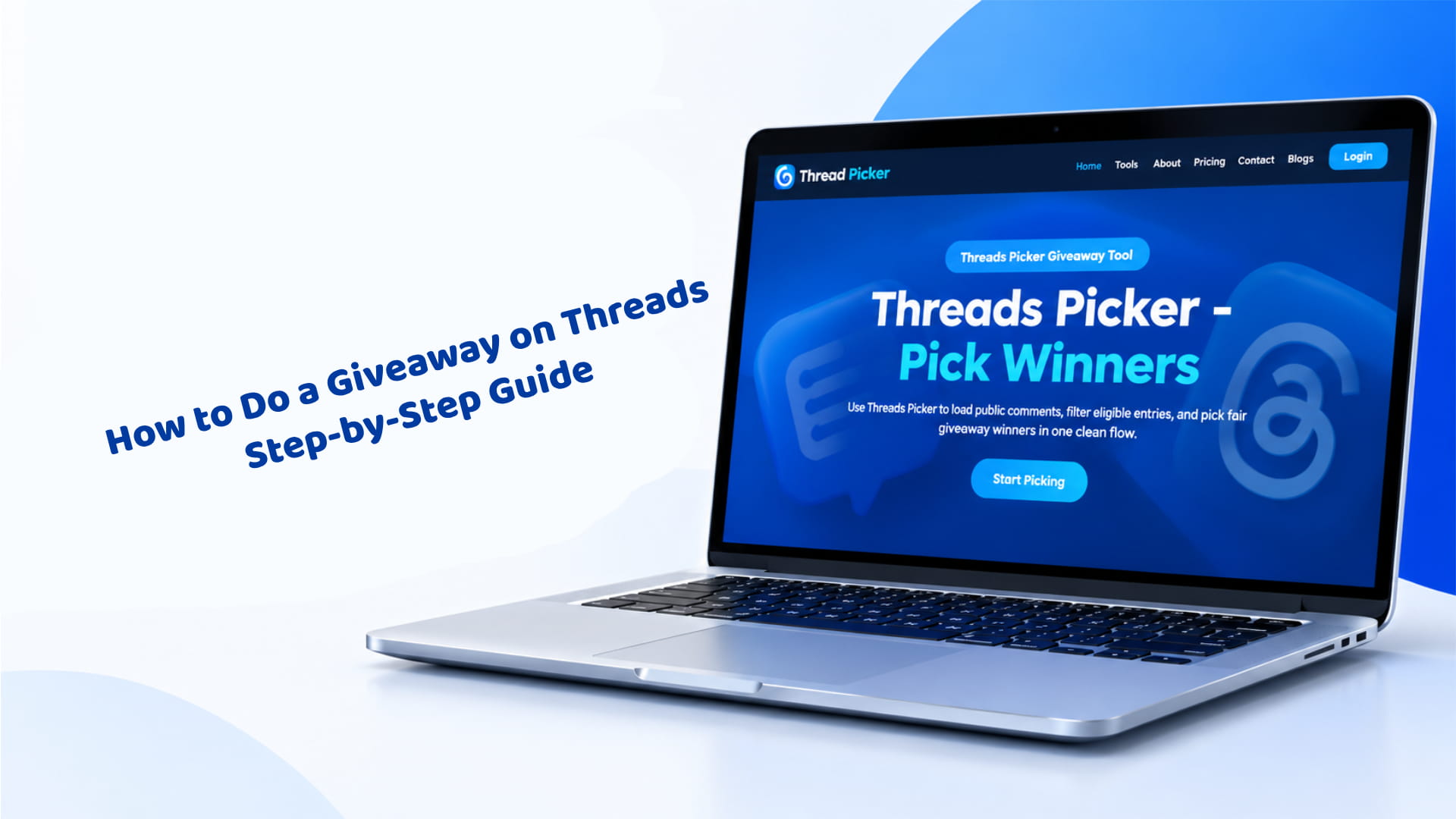
How to Do a Giveaway on Threads: Step-by-Step Guide
If you have ever typed "comment WIN below" into a Threads post and then spent an hour scrolling through replies trying to pick someone fairly, you already know why most creators put off running a giveaway. The idea is simple. The execution — writing rules that hold up, choosing a prize people actually want, and proving the winner wasn't your cousin — is where most giveaways fall apart.
This guide walks through a full Threads giveaway from the first decision to the last thank-you post, in the order you'll actually do the work, with the tools to speed up each step along the way.
Quick note before you start: a Threads giveaway you run is not sponsored, administered, or endorsed by Threads or Meta. You're responsible for your own rules, prize, and winner selection, and your post should say so.
Why Run a Giveaway on Threads
Threads rewards accounts that get replies, not just likes. A giveaway is one of the few post formats that reliably pulls people into the comments, because the entry mechanic — usually "reply to enter" — is the whole point of the app. Run one well and you get three things at once: a spike in replies that the algorithm notices, a list of people who raised their hand and said "pick me," and, if you set the entry method up right, a batch of reposts and quote posts that put your giveaway in front of accounts that don't follow you yet.
None of that happens by accident. A post with no clear prize, no stated rules, and no visible proof of a winner reads as spam to both your audience and to Threads itself, and it tends to get ignored or reported rather than shared. A giveaway with a specific prize, a short and clear entry step, and a public winner announcement reads as a real event worth joining. The difference between the two is mostly in the steps below, not in luck or follower count.
Set a Goal Before You Pick a Prize
Decide what the giveaway is actually for before you write a single word of the post, because the goal changes almost every decision that follows it. The three most common goals are:
- More followers — works best when following your account is one of the entry requirements
- More reach — works best when entry requires a repost or quote post, since both put the giveaway in other people's feeds
- Email sign-ups or sales — works best when entry requires visiting a link, joining a list, or using a discount code
Pick one primary goal and let it drive the entry method, the prize, and even the length of the giveaway. A launch giveaway aimed at sales should run for a short window tied to the launch date; a follower-growth giveaway can run longer, since it benefits from more people discovering it over time. Giveaways that chase all three goals at once — "follow, repost, join my list, AND buy something to enter" — usually get fewer entries than ones with a single, clear ask, because every extra step filters out a slice of your audience before they finish entering.
Choose a Prize Your Audience Actually Wants
The biggest giveaway mistake isn't the prize budget — it's picking a prize that only attracts bargain hunters. A $20 gift card to a random retailer pulls in people who will enter any giveaway on Threads and never buy from you again. A $20 credit toward your own product pulls in people who already wanted it and just needed a reason to raise their hand.
A few starting points that tend to perform well:
- Your own product or service, including a bundle or tier you wouldn't normally discount
- A collaboration prize with another creator in your niche, which also exposes your giveaway to their audience when they co-host it
- Something tied to the season or a trend your audience is already talking about, which gives the post a built-in reason to exist right now
- A smaller prize offered to several winners instead of one large prize to a single winner, which can produce more entries and more goodwill for the same total budget
If you're stuck on what to offer, the giveaway prize generator puts together prize ideas sorted by budget and audience type in a few seconds, which is faster than staring at a blank page trying to think of something nobody else is offering.
Decide How People Enter
On Threads, entries almost always come from one or more of these actions:
- Reply to the post — the most common method, since it keeps every entry in one thread you can review later
- Repost the post — spreads it to the entrant's followers' feeds
- Quote post it with their own comment — adds a layer of social proof, since their followers see both the giveaway and their reaction to it
- Follow your account — directly supports a follower-growth goal
- Tag a friend in a reply — brings in people outside your existing audience
Pick one to three of these, not all five. Each extra requirement adds friction and cuts your entry count, so stacking five actions on top of each other usually backfires: people see the list, decide it's too much work, and scroll past instead of entering. A reply-only giveaway gets the most entries with the least friction; a reply-plus-repost giveaway gets fewer entries but noticeably more reach. Decide which trade-off matches the goal you picked above, and resist the urge to add "just one more step" once the post is written.
Write Official Rules and a Disclaimer
This is the step creators skip most often, and it's the one that causes the most trouble later — a winner who disputes the result, a prize that doesn't match what was promised in the post, or confusion about exactly when the deadline falls.
At minimum, your rules should cover who can enter (age and location restrictions, if any), the entry period (a start and end date, with a time zone), exactly how to enter, what the prize is and its approximate value, how the winner will be picked, how they'll be contacted, and a line stating the giveaway has no connection to Threads or Meta.
You don't need a lawyer to write this for a typical small giveaway, but you do need it written down somewhere your audience can find it — a pinned reply, your bio link, or a separate linked post all work. The giveaway rules generator builds a full rules template from your answers to a short form, which is the fastest way to get every required clause covered without rereading a legal checklist yourself.
Write the Giveaway Post
Keep the post itself short. The formula that works best on Threads is: what you're giving away, how to enter, and when it ends — in that order, in the first two lines, since Threads truncates longer posts and most people never tap "see more."
A simple structure that covers everything without feeling like a terms-and-conditions page:
- Hook: "Giving away [prize] to one of you 👀"
- The ask: "Reply with [entry action] to enter"
- The deadline: "Winner picked [date and time]"
- A short line making clear it's not affiliated with Threads or Meta
Pin the post to your profile while the giveaway is live, so anyone who visits your profile during the entry period sees it first instead of having to scroll for it.
Promote It While It's Running
A giveaway only works if people see it, and a single post rarely reaches everyone on its own. Reply to your own post with a reminder a day or two before it closes — Threads tends to resurface posts that get fresh replies, so a reminder reply can put the giveaway back in front of people who missed it the first time. If you have an email list or a presence on another platform, a single cross-post along the lines of "giveaway closing tonight, link in bio" usually brings in a last wave of entries before the deadline.
Avoid buying engagement or using bot replies to make the giveaway look more popular than it is. It inflates your entry count with accounts that were never going to become real followers or customers, and it makes picking a genuine winner harder once it's time to filter the pool down to real entries.
Pick the Winner Fairly
This is where most of the stress happens if you're doing it by hand — scrolling a long reply thread, trying to count entries, and hoping you didn't miss someone or double-count a reply from the same person.
Load the giveaway post into Threads Picker and it pulls in every public reply, repost, and quote post automatically, so you're not relying on memory or a manual tally. From there you can apply filters before you draw, so the pool only includes people who actually followed your rules:
- Remove duplicate entries from the same person
- Require a specific keyword or hashtag in the reply
- Require the entry to tag a friend
- Exclude entries containing a specific word
- Set a minimum reply length, to filter out single-emoji spam entries
Once the pool is filtered, pick one winner or several at once, and set backup winners in the same draw in case your first pick doesn't respond. Threads Picker generates a winner certificate you can screenshot and post as proof the draw was random, which heads off the "was this rigged" comments before they start. If you'd rather make the draw itself part of the content — spinning for a winner live on a stream or in a video — the spin-the-wheel picker turns the same entry list into a wheel you spin on screen instead of a plain random pick.
Announce and Contact the Winner
Reply to the original giveaway post tagging the winner, and post the certificate alongside it so anyone scrolling back through the thread can see the draw was fair. Then send a direct message to arrange delivery of the prize — don't rely on the winner seeing a public reply, since not everyone checks notifications from a post they commented on days earlier.
Give the winner a reasonable window to respond (48 to 72 hours is typical) before moving to a backup winner. This is exactly why picking backups during the original draw matters: you don't have to run a second random draw, explain the delay to your audience, or risk the appearance that you're choosing a replacement winner by hand.
Measure What the Giveaway Actually Did
Once the dust settles, check whether the giveaway hit the goal you set at the start. Follower count before and after, repost volume, link clicks, or sales from a giveaway-only discount code are the easiest numbers to pull together. Compare that against what the prize actually cost you, including its retail value, any shipping, and the time you spent running the giveaway from start to finish.
If you want a quicker gut check than building a spreadsheet from scratch, the giveaway ROI calculator runs that comparison for you and gives you a read on whether the giveaway was worth repeating at the same prize value, or whether you should adjust the prize or entry method next time.
Frequently Asked Questions
No, but your post needs to clearly state that the giveaway isn't sponsored, administered, or endorsed by Threads or Meta. This is standard practice for giveaways on any social platform, not a Threads-specific rule, and it protects you if a winner tries to escalate a dispute to the platform itself.
Most creator giveaways run for 3 to 7 days. Shorter runs create urgency and work well for launch-tied giveaways, but limit total reach; longer runs can lose momentum after the first few days unless you post reminders to bring the thread back to life.
Yes. Entry requirements that involve reposting or tagging friends help a small account reach new people organically, which is often the actual goal of a first giveaway rather than a side effect of it.
Move to your backup winner after the response window you stated in your rules, commonly 48 to 72 hours. This is why picking backup winners during the original draw saves you from re-running the whole process and re-explaining the delay to everyone who entered.
Giveaways are generally legal, but rules around prize value, taxes, and required disclosures vary by country and sometimes by state or province. This guide isn't legal advice — check the requirements where you and your audience are based before running a giveaway with a prize of significant value.