
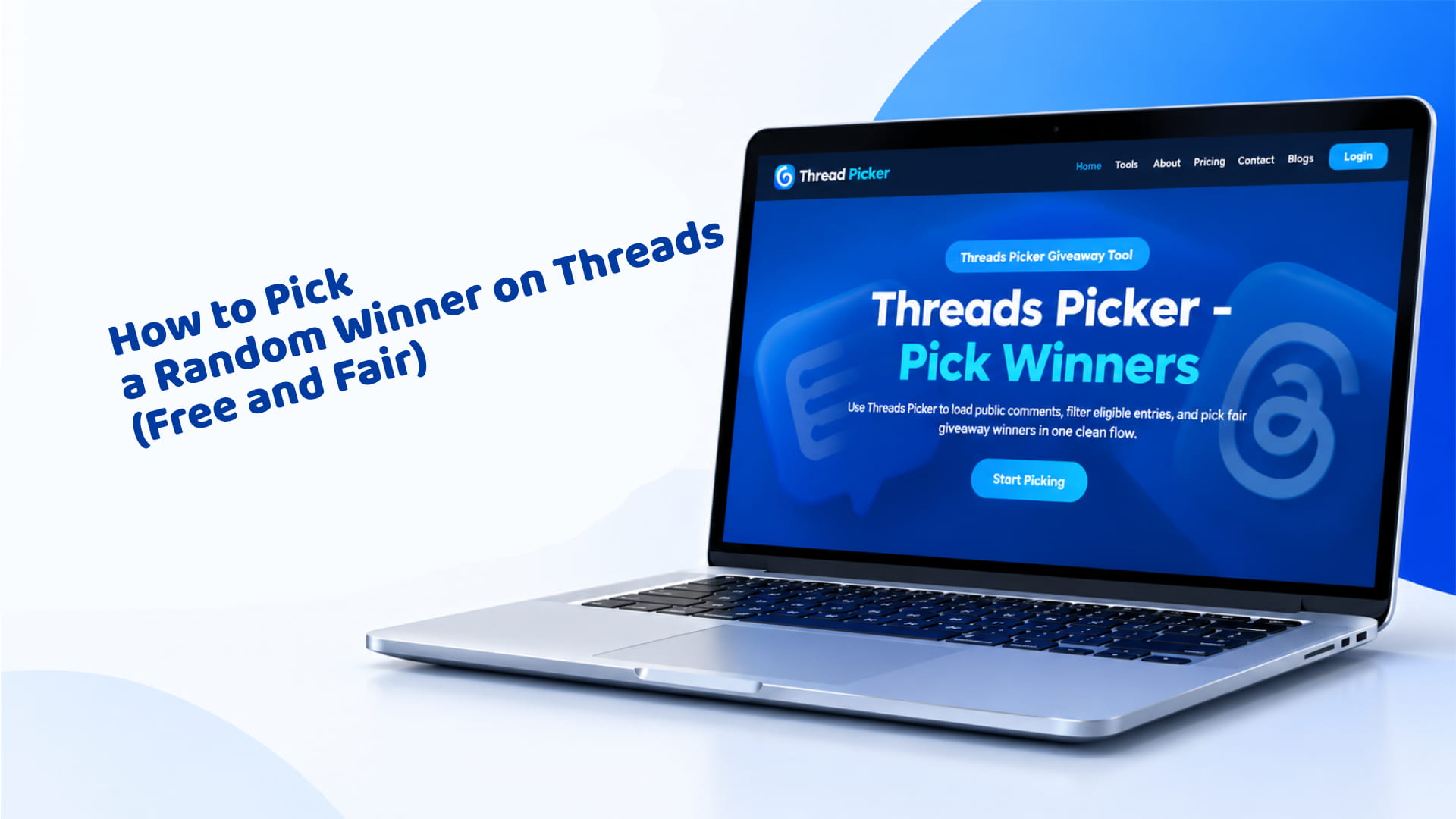
How to Pick a Random Winner on Threads (Free and Fair)
Your giveaway closed, the replies are piling up, and you need an answer to one question: how to pick a winner on Threads without anyone accusing you of rigging it. The short version — open Threads Picker, load the post, filter out anything that breaks your rules, and draw. The long version, including exactly which filters to use and how the random draw actually works, is below.
The Quick Answer
Paste your Threads post link into Threads Picker, let it pull in every reply, repost, and quote post, apply any filters your giveaway rules require (no duplicates, a required keyword, a minimum reply length), then draw one or more winners plus backups in a single click. The whole process takes under a minute once the entries are loaded, and it produces a shareable winner certificate so your audience can see the draw was genuinely random.
If your giveaway already has rules written down, this is the only step left. If you haven't written rules yet, it's worth doing that first — a winner picked against no stated rules is easier to dispute after the fact, and the giveaway rules generator will put together a template covering entry period, eligibility, and how the winner is chosen in a few minutes.
How to Pick a Winner on Threads with Threads Picker
Here's the full process, step by step:
- Copy the link to your giveaway post. Open the post on Threads, copy its URL from the share menu.
- Paste it into Threads Picker. The tool loads the public replies, reposts, and quote posts on that post automatically — you don't need to screenshot or manually copy anything into a spreadsheet.
- Apply your filters. Turn on whichever rules your giveaway required: removing duplicate entries from the same person, requiring a specific keyword or hashtag, requiring a tagged friend, excluding a banned word, or setting a minimum reply length to cut spam.
- Set how many winners you need. Pick one winner, several at once for a multi-prize giveaway, or winners plus backups so you're covered if someone doesn't respond within your deadline.
- Draw. The tool picks randomly from the filtered pool and generates a certificate showing the entry count, the filters applied, and the winner, all in one image you can post directly.
- Export the entry list if you need it. CSV, Excel, and PDF export are available if you want a record of who entered, separate from the certificate itself — useful if a sponsor or co-host wants to see the full entry list.
That's the entire mechanical process, and it rarely takes more than a minute or two once the entries are loaded. The part that actually takes thought is step 3 — getting the filters right so the pool only contains people who actually followed your rules, rather than everyone who happened to type something in the replies.
Picking by Hand vs. Using a Picker
Scrolling a reply thread and counting by hand works fine for a giveaway with a dozen entries. It stops working well before a hundred. The problems compound quickly: duplicate replies from the same person get missed or double-counted, a reply you scrolled past too fast never gets a fair chance, and there's no way to prove after the fact that the pick was actually random rather than "I liked that comment" or "that name looked familiar."
A picker tool solves all three problems at once. It sees every public reply instead of whatever your thumb happened to scroll past on a long thread, it applies your filters consistently to every entry instead of your personal judgment on a case-by-case basis, and it hands you a certificate you can post as evidence the draw wasn't manual. For a giveaway of any real size, hand-picking isn't actually faster once you account for the scrolling, the recounting, and the screenshots you'll inevitably need to defend the result — it just feels faster right up until you're thirty replies in and already second-guessing an earlier pick.
There's also a trust angle that's easy to underestimate. Entrants who don't win sometimes look for a reason to believe the draw wasn't fair, especially in a giveaway with a prize worth entering for. A tool-generated certificate with a visible entry count and filter list heads off that doubt before it turns into a comment thread of accusations.
Which Filters to Use for Common Rules
Most giveaway rules map directly onto a specific filter. Here's the pairing:
| Your rule says... | Use this filter |
|---|---|
| "One entry per person" | Remove duplicate entries |
| "Must include #giveaway in your reply" | Require a specific keyword or hashtag |
| "Tag a friend to enter" | Require the entry to tag a friend |
| "No spam or unrelated replies" | Minimum reply length |
| "No bots" | Minimum reply length + duplicate removal together catch most of this |
Apply filters before you draw, not after. Drawing first and then checking whether the winner followed the rules puts you in the position of publicly disqualifying someone by name, which is a worse outcome for everyone involved than quietly filtering them out of the pool before anyone sees a result attached to them.
How the Random Draw Actually Works
"Random" gets used loosely enough online that it's worth saying plainly what it means here: every entry remaining in the filtered pool has an exactly equal chance of being picked, with no weighting toward earlier replies, more active accounts, or anyone else. Threads Picker draws from the pool using a Fisher–Yates shuffle, a well-established method for producing an unbiased random order — it's the same category of approach used in raffle software and lottery draws where fairness actually has to hold up to scrutiny, not just look fair at a glance.
The certificate the tool generates exists specifically so you don't have to ask your audience to take your word for it. It shows the total number of eligible entries, which filters were applied before the draw, and the winner, so anyone who sees it can check the math themselves rather than trusting a screenshot of a name with no context around it.
What to Do After You Have a Winner
Once you've drawn a winner, the clock starts. Reply to the original giveaway post tagging them, post the certificate alongside the announcement, and send a direct message to work out delivery — don't assume they'll see a public reply on a post they commented on days ago, since Threads doesn't push old-thread replies back into someone's main feed.
Give them a reasonable window to respond before moving to a backup winner, commonly 48 to 72 hours. This is exactly why drawing backups in the same step matters: you don't have to run a second random draw later, explain the delay to everyone who entered, or risk the appearance that a replacement winner was chosen by hand instead of randomly.
If you haven't run the giveaway itself yet — picking a prize, writing entry rules, deciding how long it runs — our full step-by-step guide to running a Threads giveaway covers everything that comes before this stage, from the first decision through posting and promotion.
Frequently Asked Questions
Yes, a free account is required, which includes 3 free draws to try the tool before committing to a paid plan for ongoing giveaways.
Yes. You can draw multiple winners and backup winners in the same draw, which is useful for multi-prize giveaways or as insurance if a winner doesn't respond in time.
The draw works from the replies, reposts, and quote posts visible on the post at the time you load it. If you expect entries to be edited or deleted before you draw, pull the entries and draw promptly after your giveaway closes rather than waiting.
Use the duplicate-removal filter if your rule is one entry per person — it keeps the pool to a single entry per account rather than letting repeated replies from the same person count multiple times toward their odds.
Yes — a spin-the-wheel option turns the same filtered entry list into a wheel you can spin live on a stream or in a video, if you'd rather make the reveal visual instead of a single-click pick.